Documentation
Everything about SnapRAID UI in detail: how to install and configure it, what each page does, how to keep your array healthy with it, and how it works inside. For a quick overview, see the README. Also as a website with search: https://firsttris.github.io/snapraid-ui/
Getting started
| Installation | Requirements, Docker, Docker Compose and Podman, mounting disks, SMART access, reverse proxy and HTTPS, updating, using your own SnapRAID binary |
| Configuration | All environment variables, the data directory and its files, log retention |
| Security | Login, sessions and lockout, running behind an auth proxy, exposing the UI safely |
Using SnapRAID UI
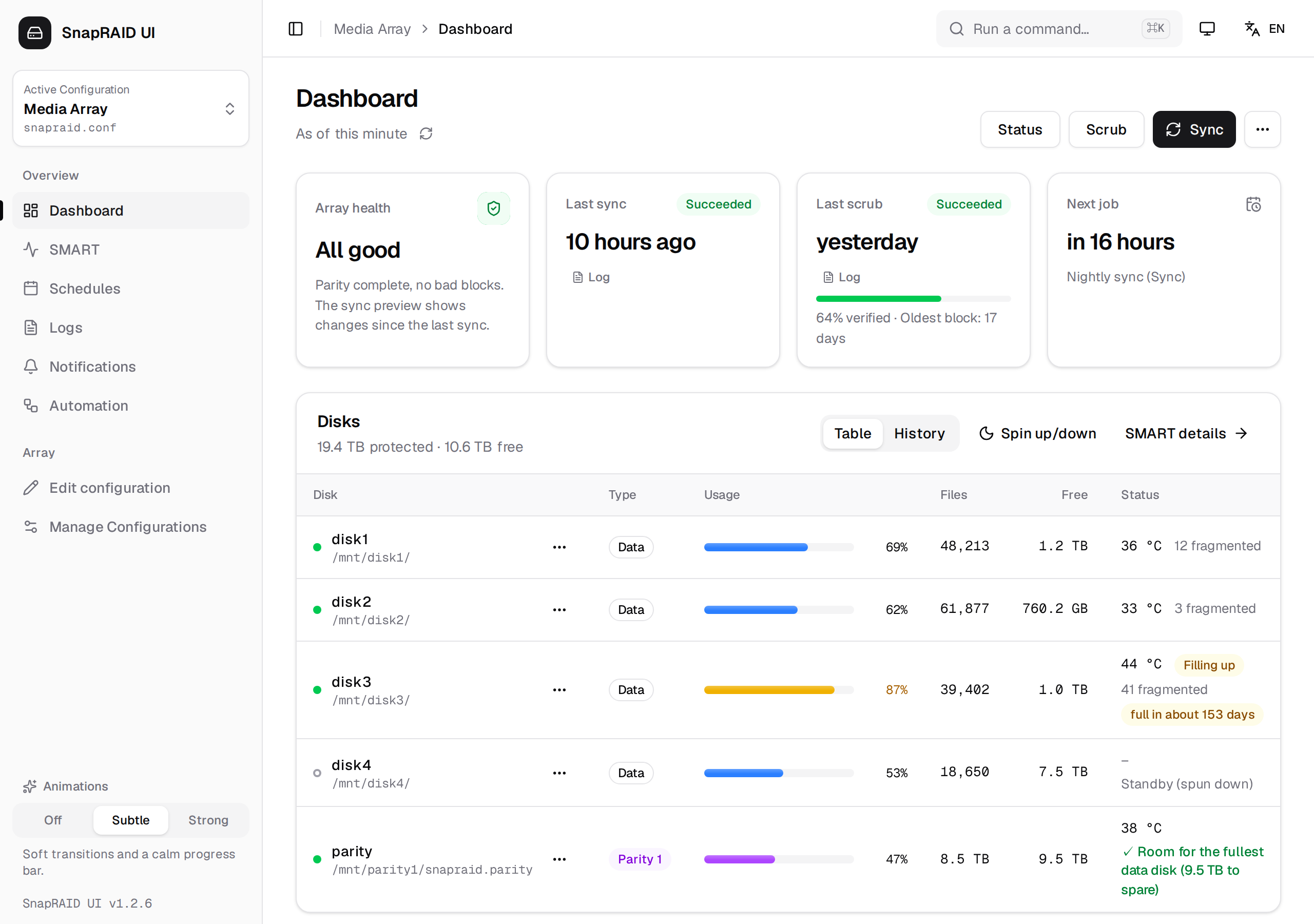
| Using SnapRAID UI | The interface, the dashboard, running commands, reports, safety stops, command palette, theme, language and animations |
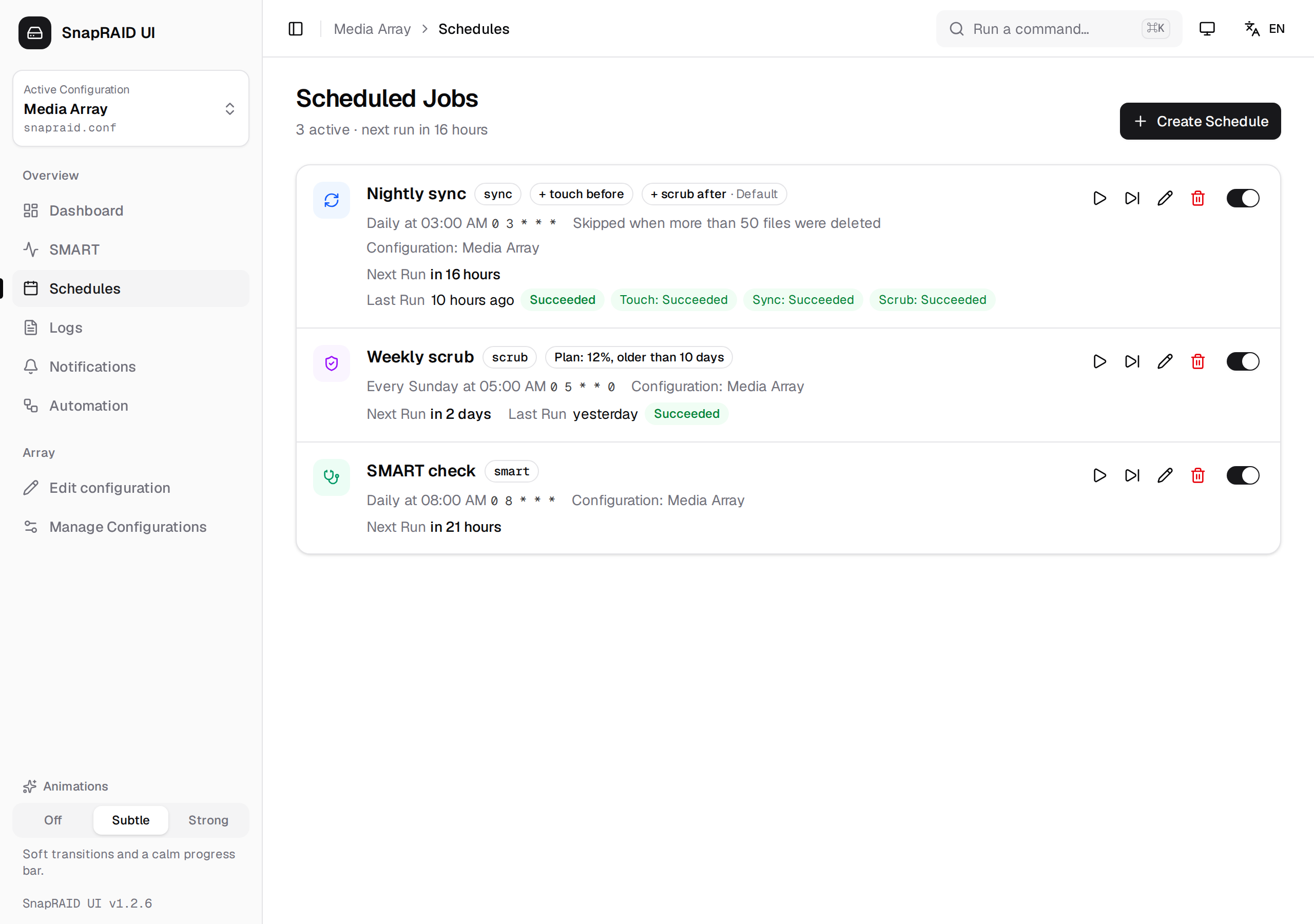
| Scheduling | Cron schedules, the nightly sync routine, the sync guard, scrub plans |
| Notifications | ntfy, e-mail and webhook, which events are sent, testing |
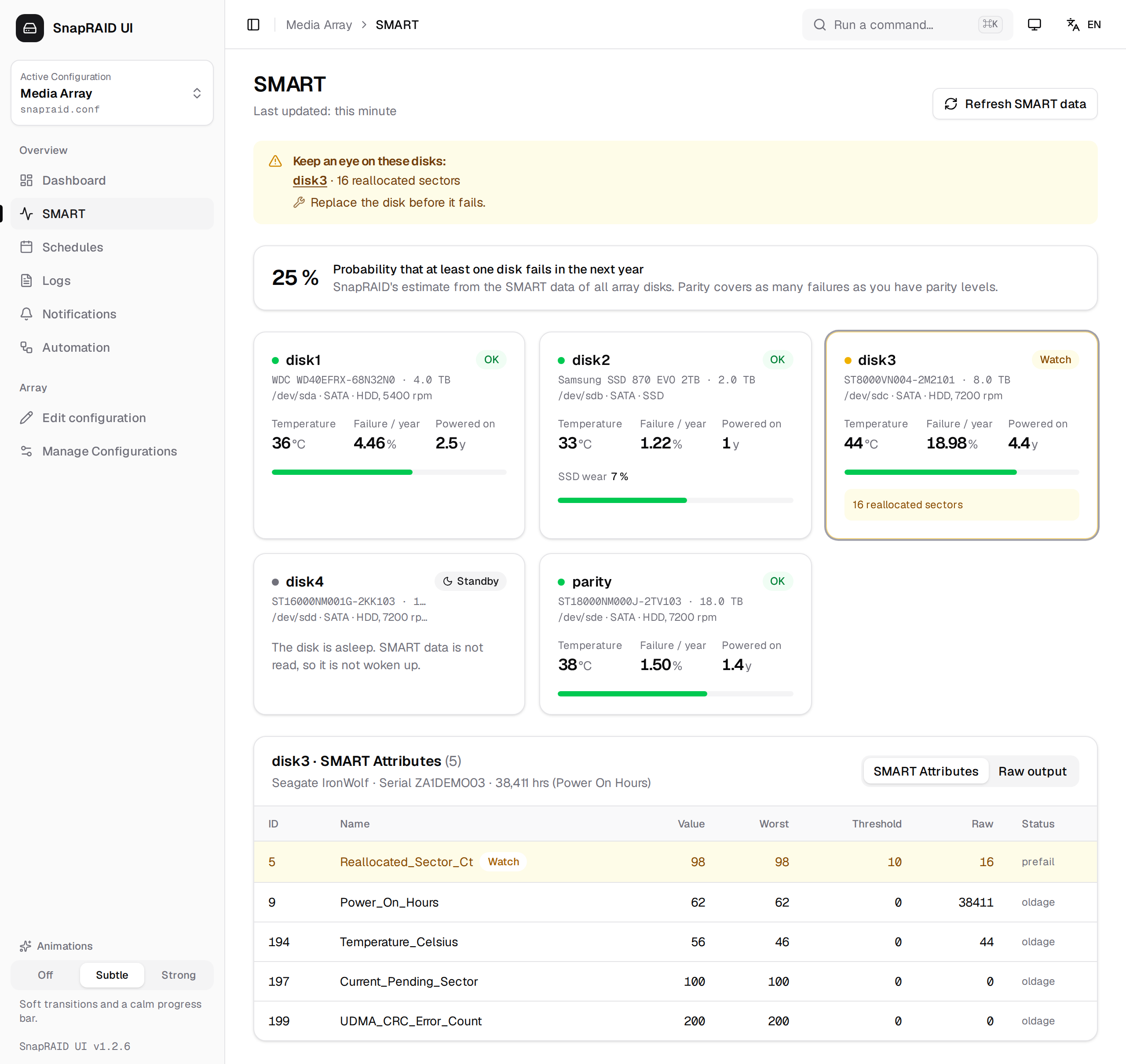
| SMART & disk health | SMART data, failure probability, warnings and what to do, usage history and fill-up forecast |
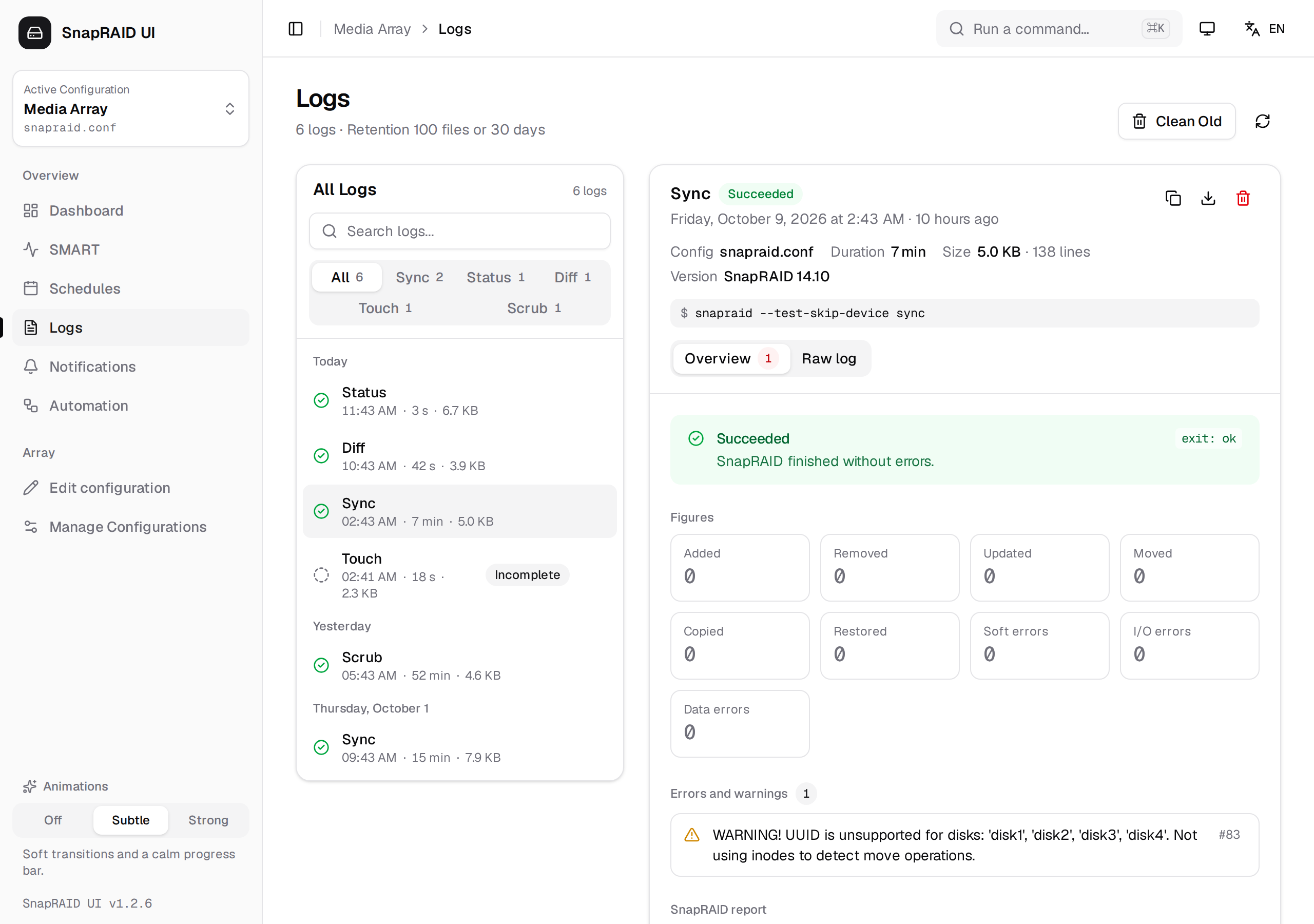
| Logs | The history of every run, filters, overview and raw log, retention |
| Managing disks | Managing configurations, the config editor, adding, replacing and removing disks, backup and restore |
| Troubleshooting | Common problems and how to fix them |
Behind the scenes
| Architecture | Components, container layout, how jobs run, storage, and the REST and WebSocket API |
| Development | Local setup with the demo sandbox, project structure, tests, translations, building and releasing |
Screenshots