SendToKodi documentation
SendToKodi is a browser extension for Chrome, Firefox, Edge and other Chromium browsers that sends the video you are watching to your Kodi media center with one click. It works with YouTube, Twitch, Vimeo, SoundCloud and 1000+ other websites, because the SendToKodi Kodi add-on resolves the link with yt-dlp on the Kodi side.
This site has the details: installation and setup, every way to send a video, what each error message means, what the extension may and may not do, and how it is built. For the quick overview, see the README on GitHub.
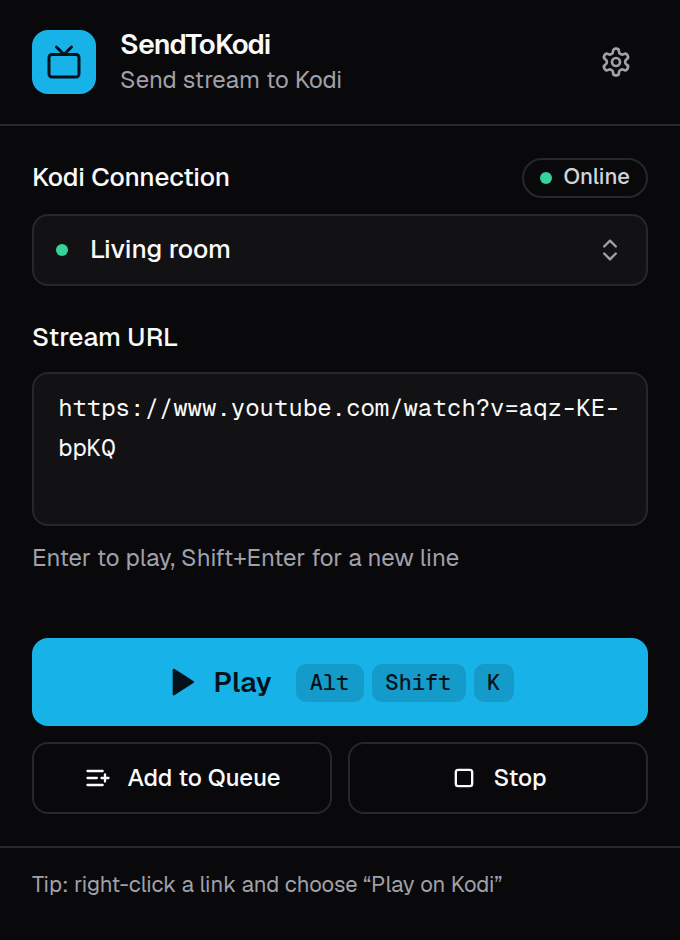
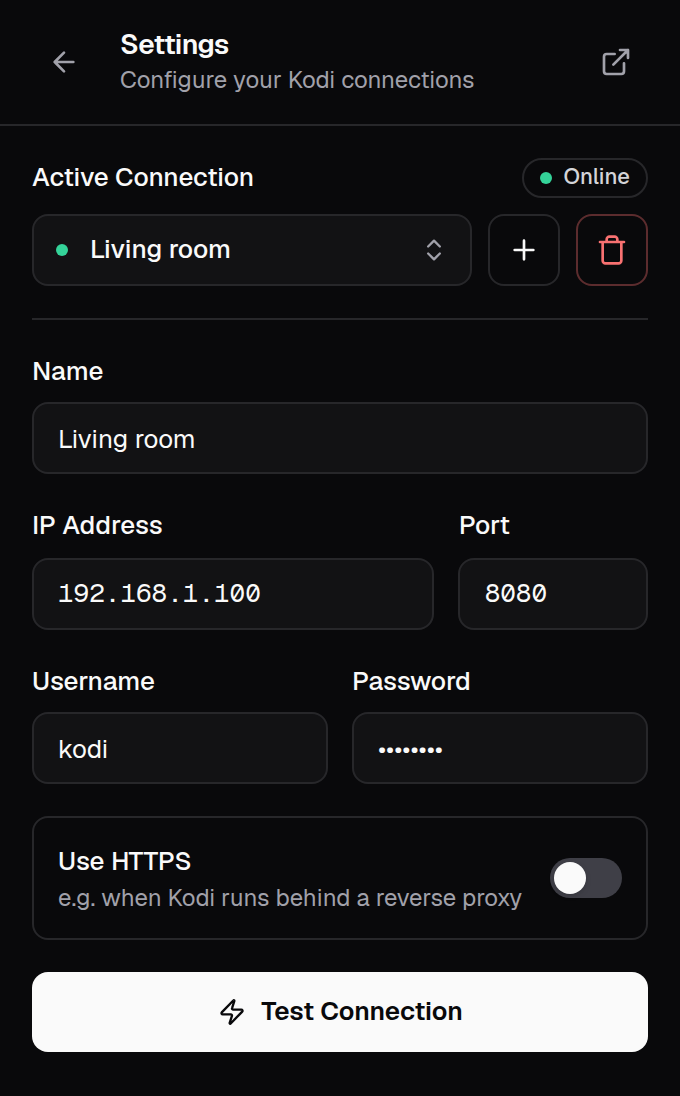
Users
| Installation | The extension from the Chrome Web Store, Mozilla Add-ons or Edge Add-ons, other Chromium browsers, Firefox for Android, and the Kodi add-on it needs |
| Setup | Turning on Kodi's web server, entering the connection, granting access, several Kodi devices, HTTPS behind a reverse proxy |
| Usage | Play and queue from the popup, the keyboard shortcuts, the context menu, pasting any URL, stopping, switching devices, changing the shortcuts |
| Troubleshooting | Every error message and what to do about it, from Kodi not reachable to is the SendToKodi addon installed? |
| Privacy & permissions | What the extension stores and sends, which permissions it asks for and why, the privacy policy |
Background
| How it works | The JSON-RPC request to Kodi, the plugin URL, optional host permissions, the popup, the background worker and the storage |
| Development | Tech stack, local setup with hot reload, loading the extension in Chrome and Firefox, checks and tests, project structure, translations |
| Releases | Version bump, tags, the GitHub release and the automatic uploads to the three stores |
The two halves of SendToKodi
The extension only tells Kodi what to play. The Kodi add-on does the work: it resolves the website into a playable stream and plays it. Both are needed, and both are documented:
- Browser extension (this site): firsttris.github.io/chrome.sendtokodi
- Kodi add-on: firsttris.github.io/plugin.video.sendtokodi
If a website does not play on Kodi although the extension reports success, the cause is on the Kodi side; its documentation has the troubleshooting for that.