Schwarm
A calm, modern web UI for qBittorrent, for the desktop and the phone. Static files that qBittorrent serves itself: no server, no container, nothing else to run.
Install See the features GitHub
Why Schwarm?
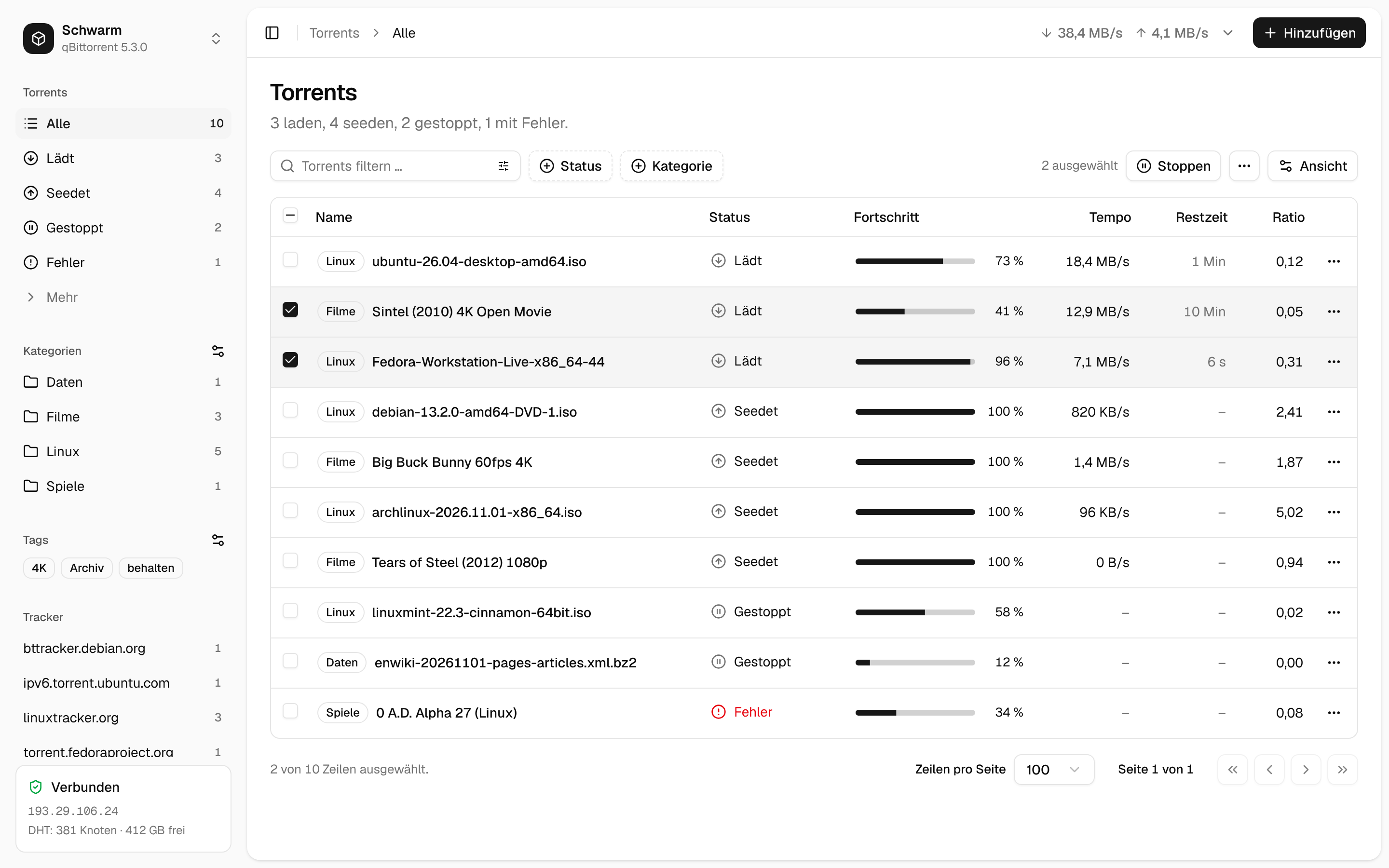
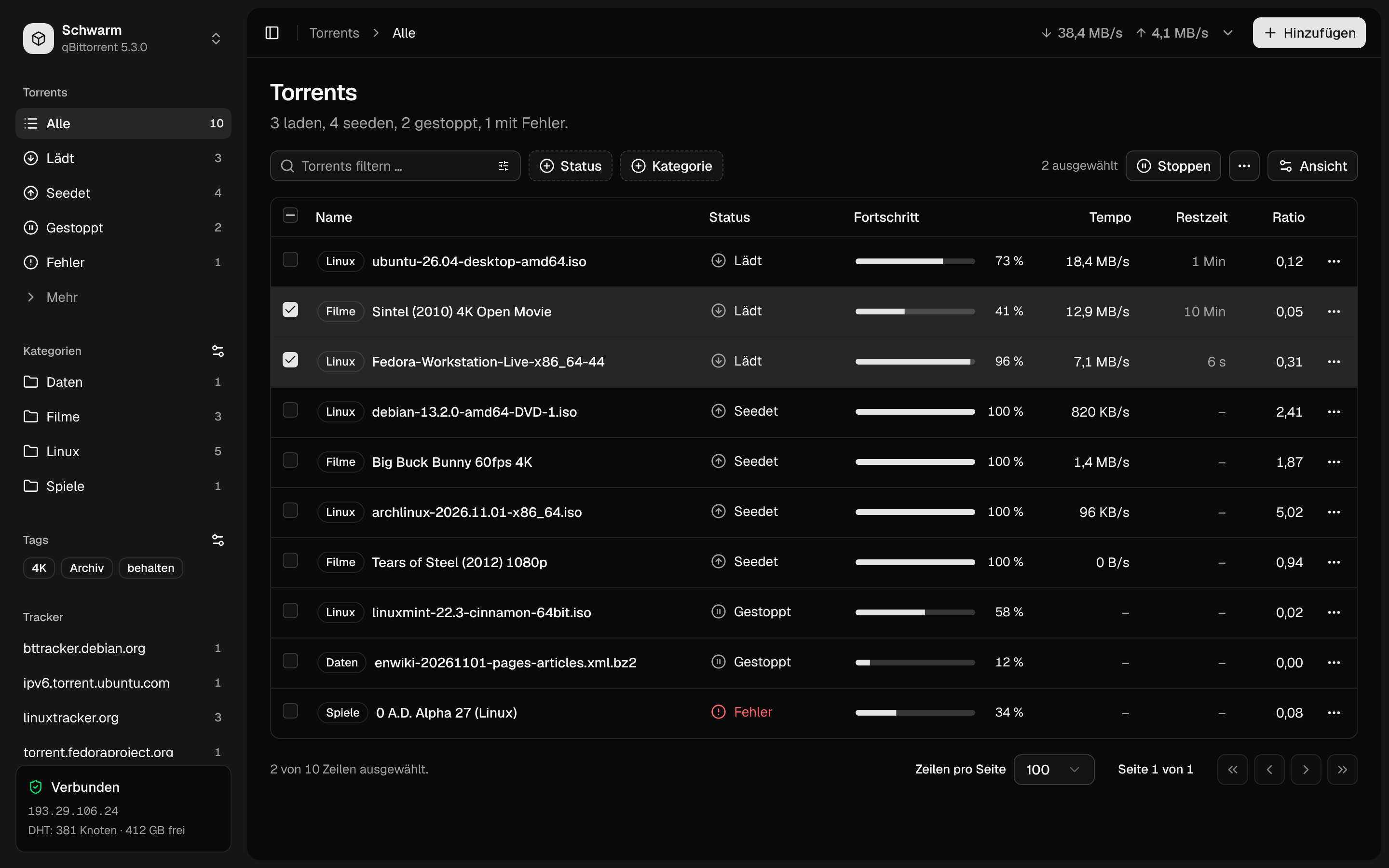
qBittorrent's own web UI shows everything at once, VueTorrent is colourful and dense. Schwarm keeps every feature of the qBittorrent WebUI within reach, but puts the common ones first and the rare ones one level deeper.
-
Calm by design
Neutral colours, plain words instead of jargon ("Download in order" instead of "Sequential download"), colour only where it means something.
-
Fast with thousands of torrents
A virtualised list and incremental updates from qBittorrent: nothing is reloaded that did not change.
-
Made for the phone too
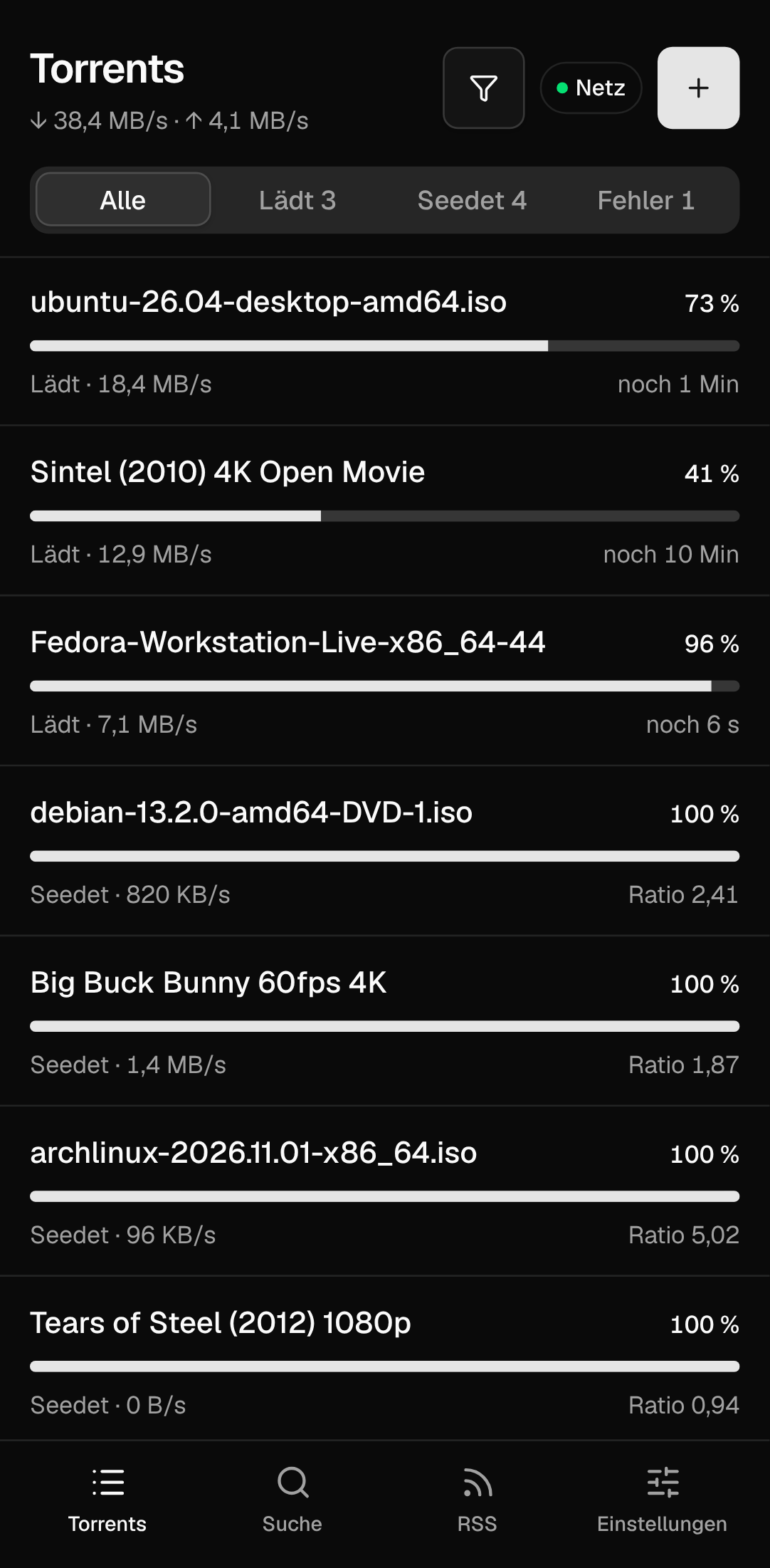
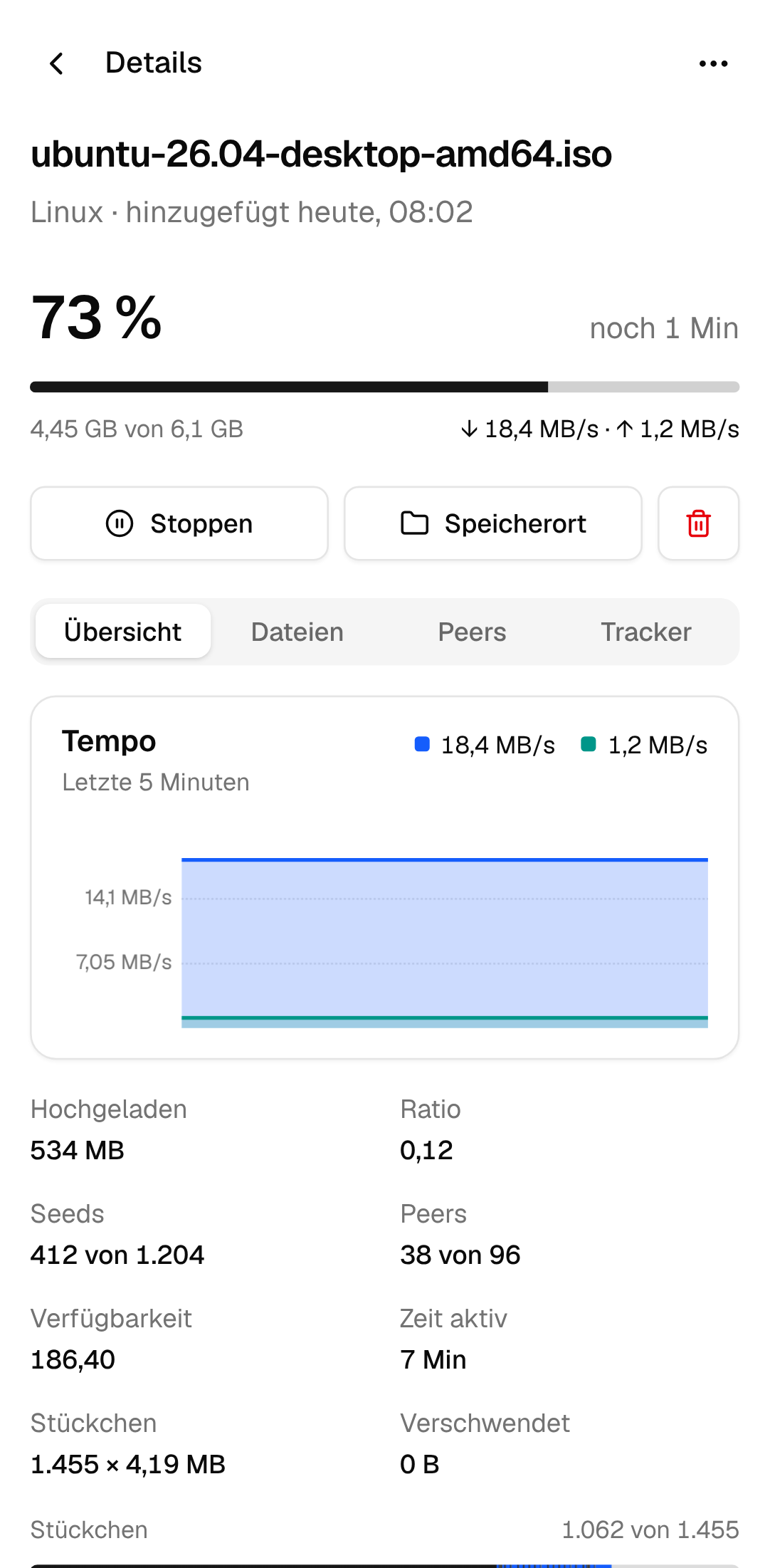
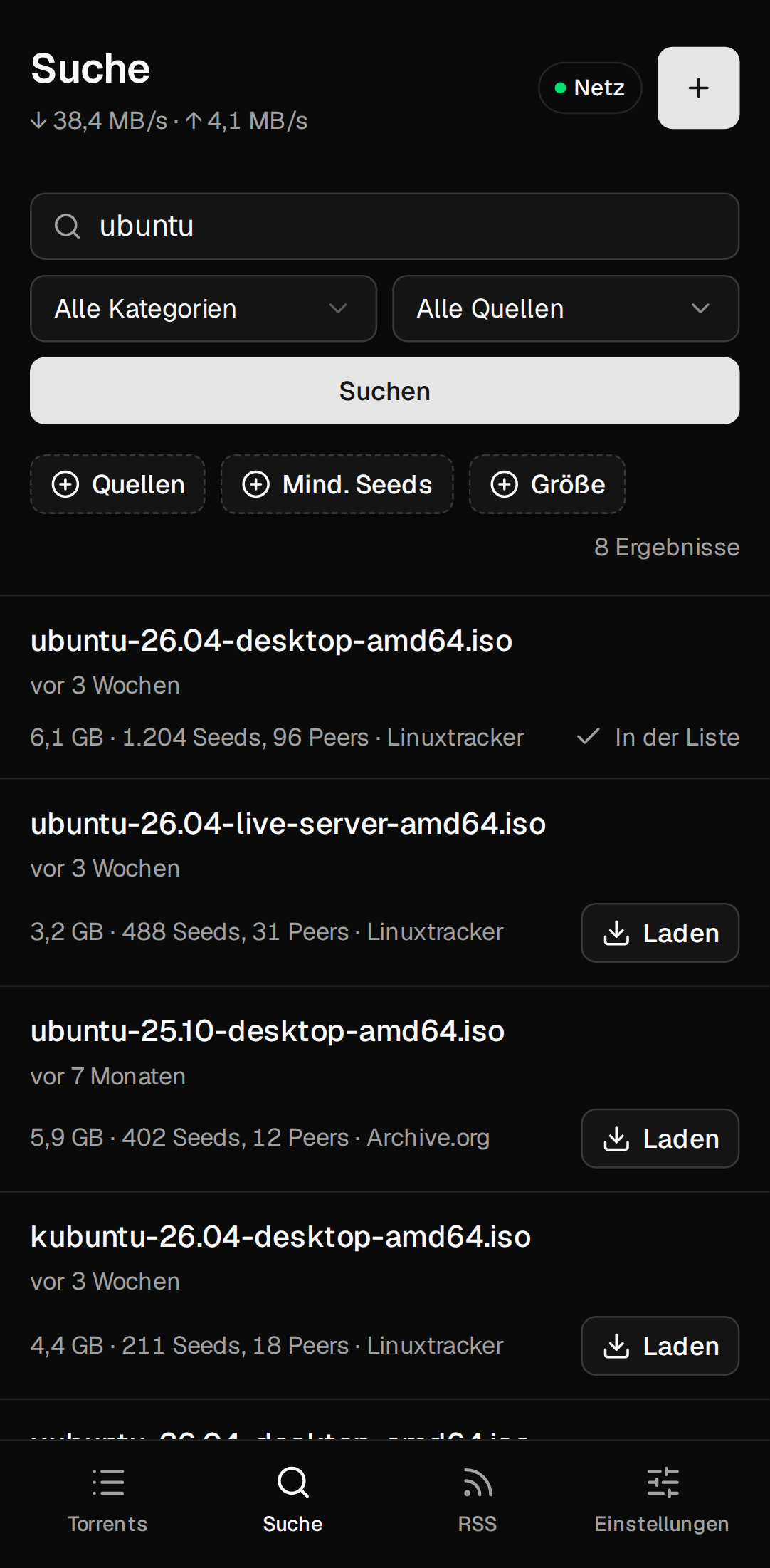
List, full-screen details, long press for the actions, a bottom tab bar. Installable as an app.
-
Nothing to run
A folder of static files that qBittorrent serves as its alternative WebUI, or one line as a Docker mod for
linuxserver/qbittorrent.
Everything qBittorrent can do
-
Torrent list
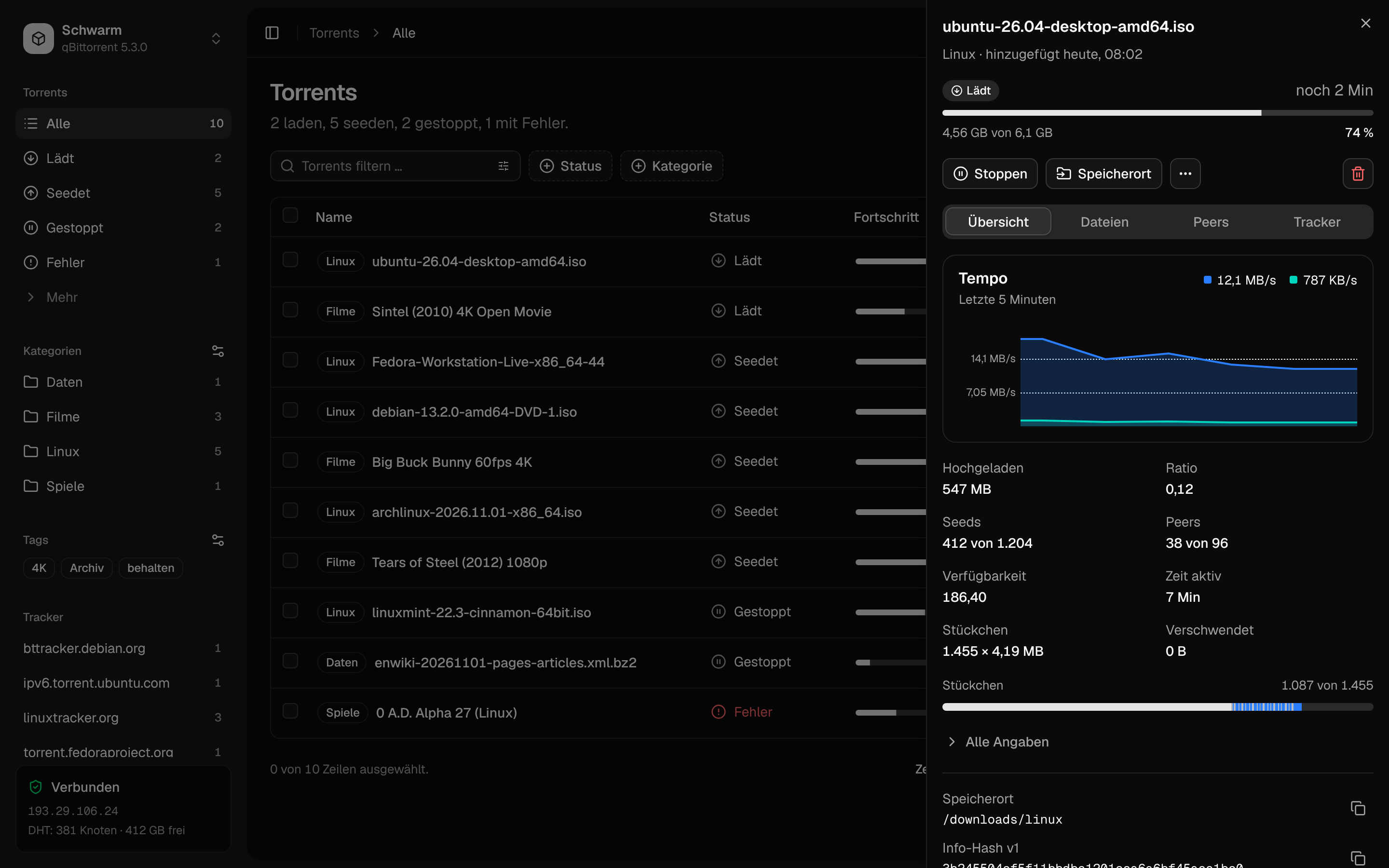
Filters by status, category, tag and tracker, 25 columns, context menu, drag & drop for the queue, keyboard shortcuts.
-
Details
Speed chart, pieces bar, file tree with priorities and bulk rename, peers, trackers and web seeds.
-
Adding torrents
Magnet links, URLs and files, dropped anywhere. See the files and pick them before the download starts.
-
Search
qBittorrent's search plugins in one field, with filters for source, seeds and size.
-
RSS
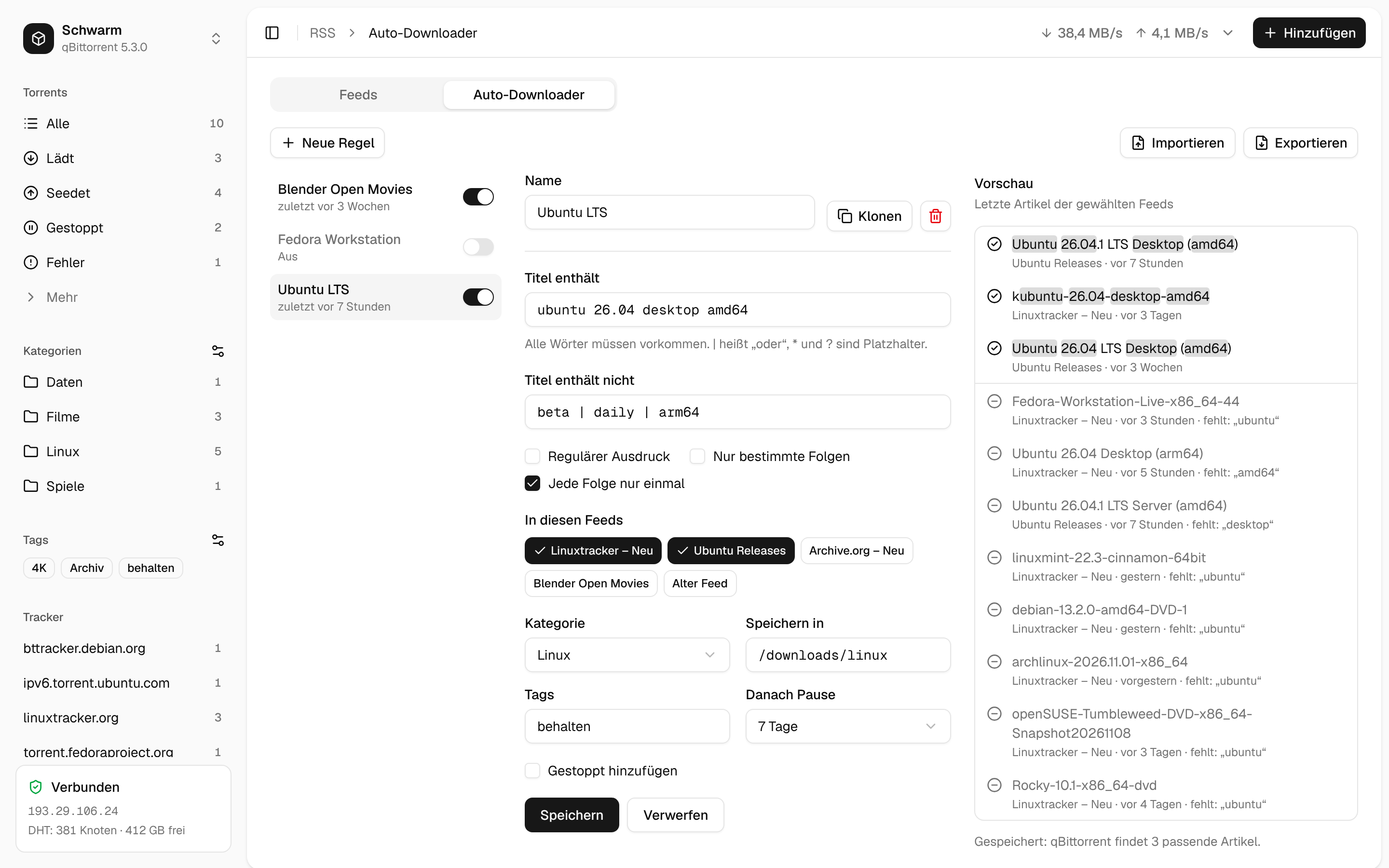
Feeds and articles, and an auto-downloader with a live preview of what each rule takes, and why not.
-
Settings
The common options in plain words, all 240 options in one searchable list, VPN aware.
Install in one line
With linuxserver/qbittorrent, add the Docker mod to the container's environment and recreate it:
Any other setup: unpack the release ZIP and point qBittorrent's alternative WebUI at it. Install
Light, dark, German, English